
CNC Machine Support, Manuals & Expert Technical Service
Get reliable CNC machine support from experienced technicians—from installation and operator training to remote troubleshooting, preventive maintenance, warranty service, and spare parts. We help you solve problems faster, minimize downtime, and keep production running with confidence.
CNC SUPPORT RESOURCES
Find the Right CNC Support Resource
Choose your machine type and task. Access manuals, software, setup guides, training videos, troubleshooting, spare parts and help from a TechPro service engineer.
 CNC Sales & Service FAQ
Answers about quotations, payments, orders, shipping, installation and after-sales service
CNC Sales & Service FAQ
Answers about quotations, payments, orders, shipping, installation and after-sales service
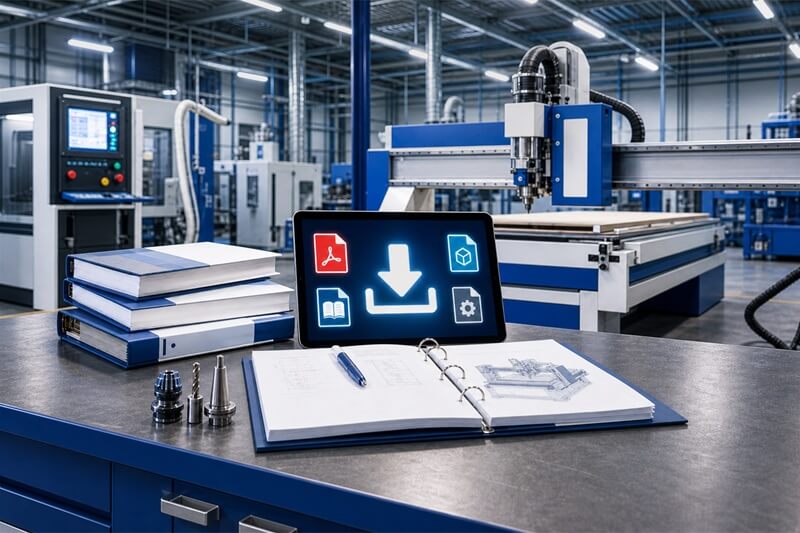 CNC Manual Download Center
Machine manuals, software, control system, wiring diagrams, catalogs and technical files.
CNC Manual Download Center
Machine manuals, software, control system, wiring diagrams, catalogs and technical files.
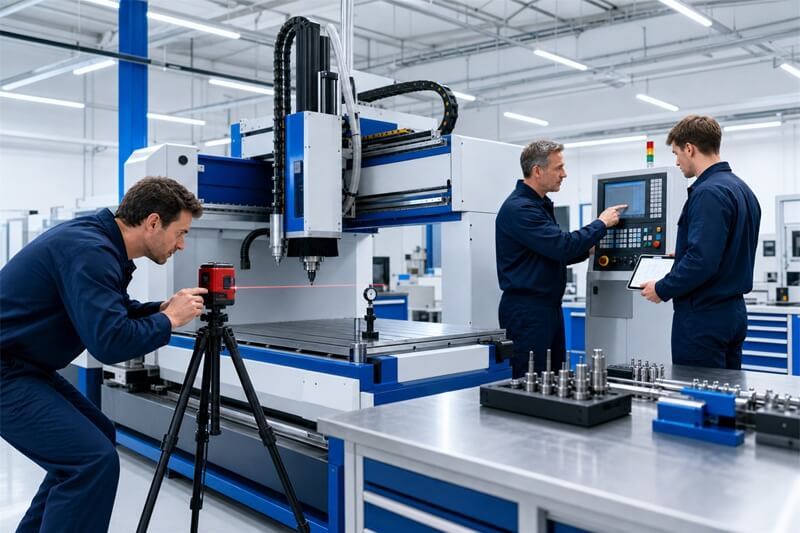 CNC Installation & Operator Training
Site preparation, machine setup, commissioning, operator safety and production training.
CNC Installation & Operator Training
Site preparation, machine setup, commissioning, operator safety and production training.
 CNC Machine Video Guides
Watch videos for CNC machine setup, operation, control systems, programming and maintenance.
CNC Machine Video Guides
Watch videos for CNC machine setup, operation, control systems, programming and maintenance.
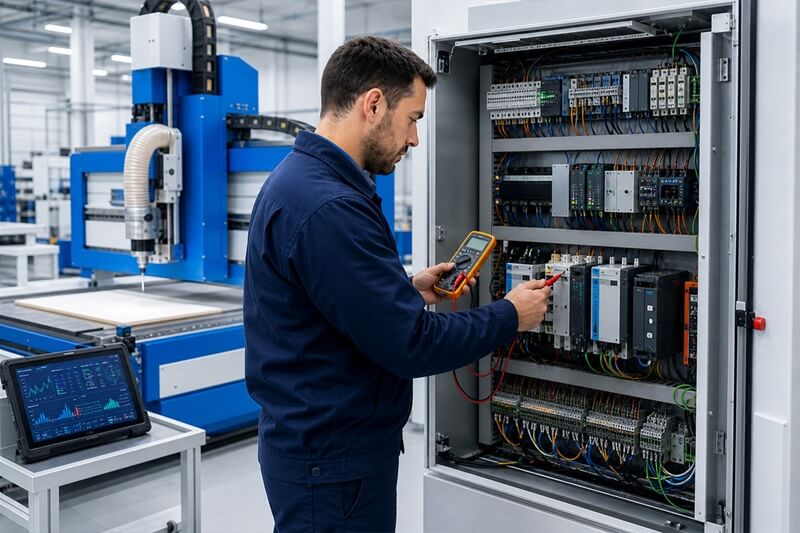 CNC Troubleshooting
CNC alarms, diagnosis and control system checks, Remote troubleshooting and practical repair support.
CNC Troubleshooting
CNC alarms, diagnosis and control system checks, Remote troubleshooting and practical repair support.
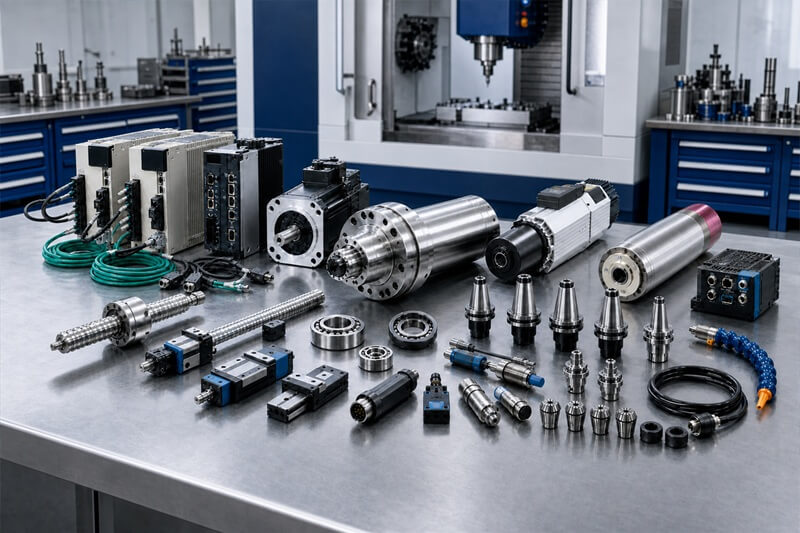 CNC Spare Parts
Spindles, servo motors, controllers, ball screws and sensors, Genuine replacement parts and compatibility support.
CNC Spare Parts
Spindles, servo motors, controllers, ball screws and sensors, Genuine replacement parts and compatibility support.
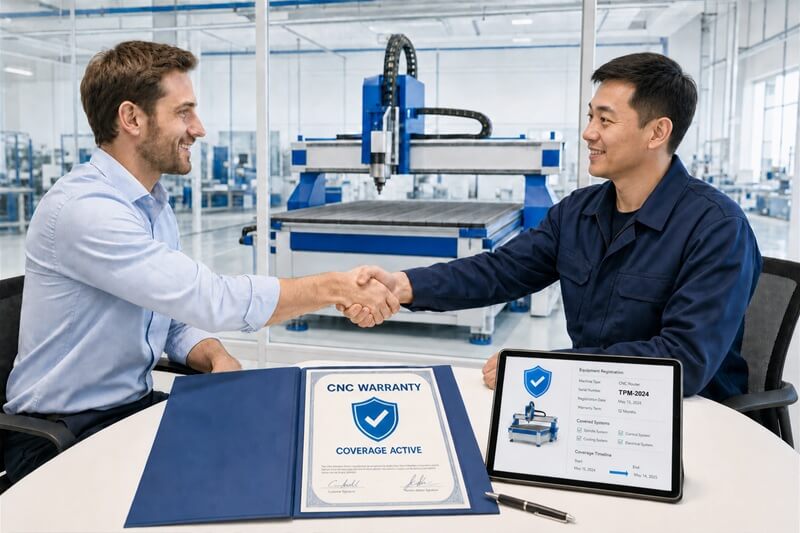 CNC Warranty Service
Warranty terms, service records, fault inspection and claim support.
CNC Warranty Service
Warranty terms, service records, fault inspection and claim support.
 Remote CNC Support
Remote desktop assistance, software setup, fault diagnosis and engineer guidance.
Remote CNC Support
Remote desktop assistance, software setup, fault diagnosis and engineer guidance.
 Submit a CNC Support Ticket
Send machine details, alarm codes, photos and operating videos for technical support.
Submit a CNC Support Ticket
Send machine details, alarm codes, photos and operating videos for technical support.
Global CNC Service



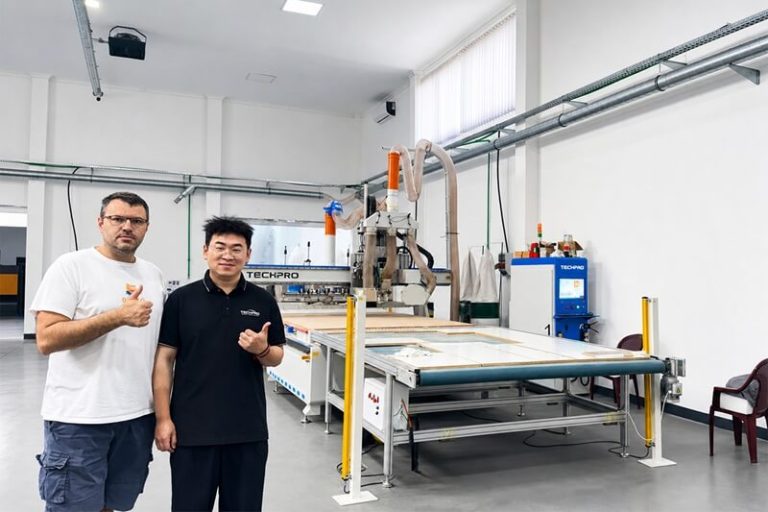


Need Technical Support at Your Factory?
CNC Machines Backed by Technical Support
-
Hot
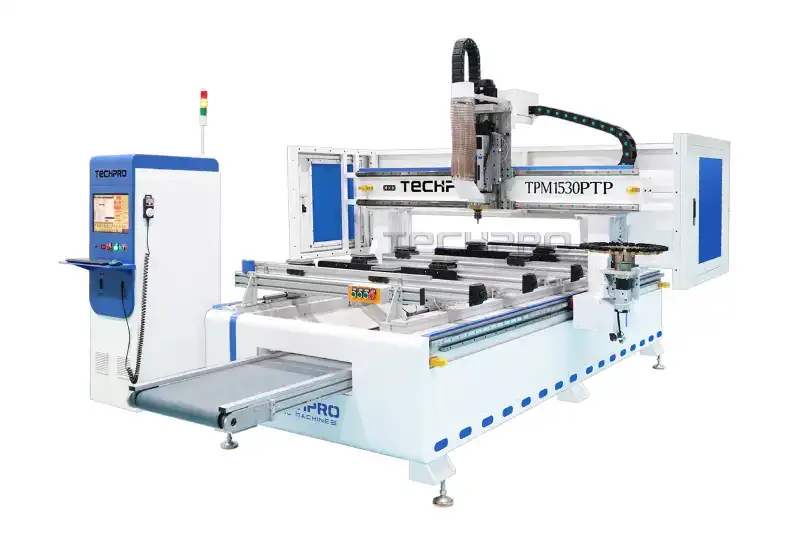
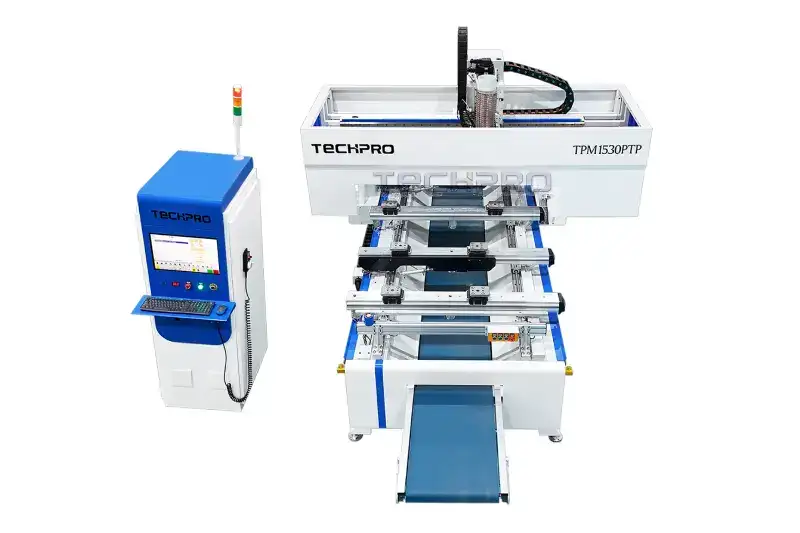
Industrial CNC Machine 5×10 with Dual ATC Kits
¥1,000,000,000.00~¥8,000,000,000.00 -
Hot
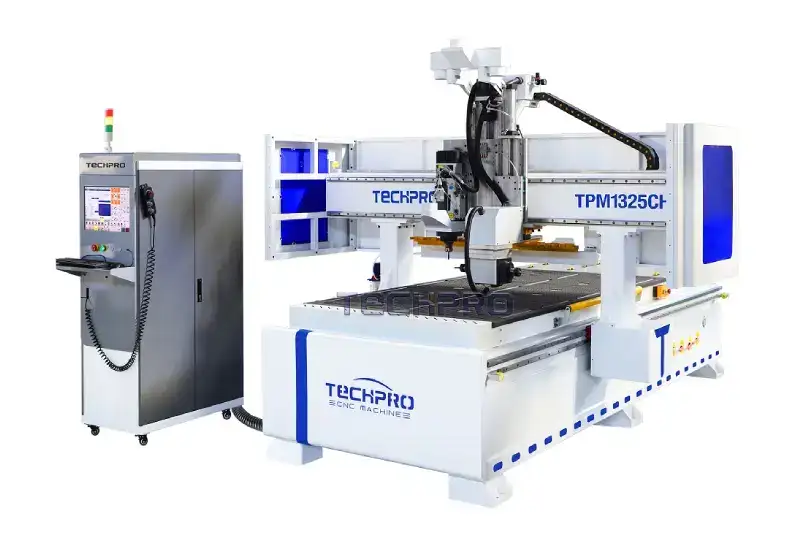
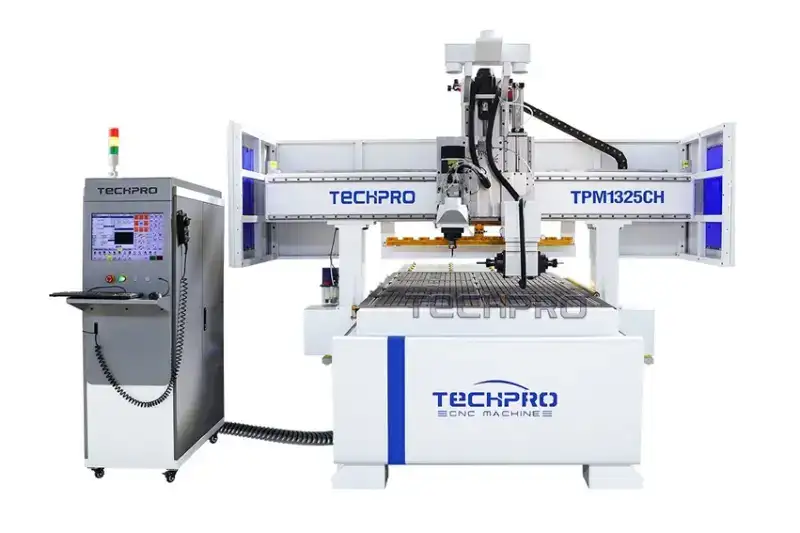
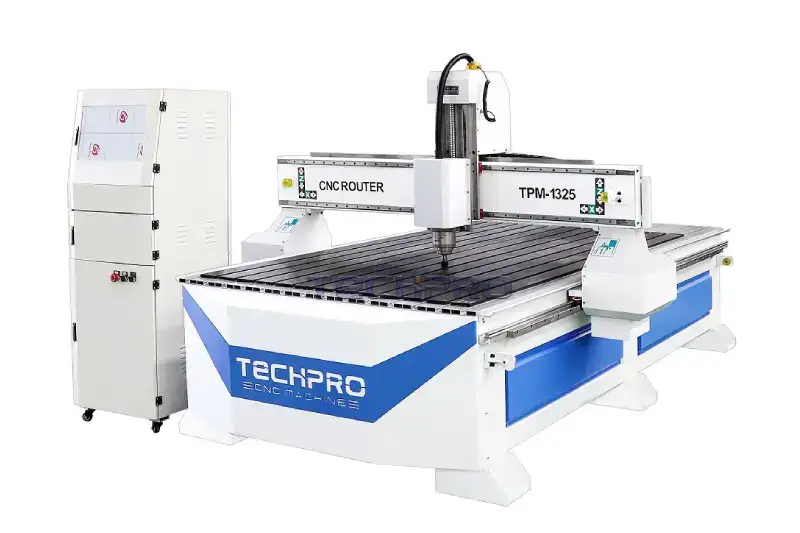
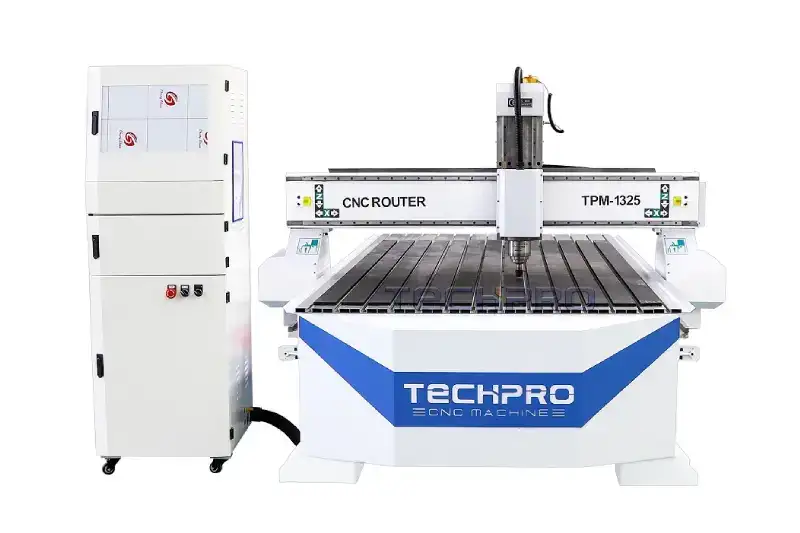
ATC CNC Wood Router Table Kit 1325
¥500,000.00~¥10,000,000.00
01
Fast Response
Clear next steps from trained technicians.
02
Remote Diagnosis
Secure online assistance when you need it.
03
Repair Support
Clear repair guidance and fast parts supply.
04
Follow-Up Care
Ongoing support until production runs smoothly.
Popular CNC Machines & Support Resources
Professional CNC Machine Support for Reliable Production
Machine Type Support Coverage
TechPro CNC organizes support by machine type so customers do not have to read unrelated instructions. The support guide below follows the same order as the machine category cards, making it easier for buyers, operators and maintenance engineers to understand which manuals, software notes, troubleshooting guides, spare parts and service resources apply to their equipment.
- CNC Router Support covers CNC router manuals, spindle operation, vacuum hold-down, tooling, work origin setting, controller software, daily maintenance and CNC router troubleshooting for wood cutting, carving and milling production.
- Door Making Machine Support covers door making machine manuals, cabinet door processing, profile tools, door panel machining accuracy, controller parameters, installation checks and troubleshooting for wood door production.
- Furniture CNC Machine Support covers furniture CNC machine manuals, nesting software, panel furniture production, automatic labeling, drilling, tool changing, cabinet production workflow, maintenance and troubleshooting.
- Laser Cutting Support covers laser cutting machine manuals, fiber laser cutter setup, metal sheet and tube cutting parameters, focus position, assist gas, nozzles, lenses, cutting quality checks and laser cutting troubleshooting.
- Laser Welding Support covers laser welding machine manuals, handheld laser welder setup, welding parameters, wire feeding, focal distance, weld seam stability, safety checks and laser welding troubleshooting.
- Laser Cleaning Support covers laser cleaning machine manuals, rust removal, paint removal, surface cleaning parameters, scanning width, operator protection, maintenance and laser cleaning troubleshooting.
- Laser Marking Support covers laser marking machine manuals, fiber laser marking setup, focus adjustment, marking speed, hatch settings, material testing, engraving quality and laser marking troubleshooting.
- Stone CNC Router Support covers stone CNC router manuals, granite, marble and quartz processing, diamond tools, water cooling, heavy material handling, stone carving accuracy and maintenance guidance.
- Knife Cutter Support covers knife cutter manuals, digital cutting software, oscillating knife setup, blade selection, cutting mats, soft material cutting files, daily maintenance and knife cutter troubleshooting.
- Glass Cutter Support covers glass cutter manuals, glass cutting tables, glass positioning, scoring quality, cutting accuracy, machine calibration, preventive maintenance and glass cutter troubleshooting.
- Channel Letter Bender Support covers channel letter bender manuals, sign making setup, aluminum profile bending, letter accuracy, feeding adjustment, production workflow and channel letter bending troubleshooting.
- CNC Machine Parts Support covers CNC machine parts identification, CNC spare parts, spindles, servo drives, controller boards, sensors, lenses, nozzles, tools, replacement parts and maintenance planning.
CNC Support Resources by Task
Use this section to choose the right CNC support resource by task instead of searching through every machine category. Before opening a manual or changing a setting, identify the machine model, serial number, controller, software version and installed options. Similar-looking machines can use different electrical components, parameters and procedures. If anything is unclear, send clear photos of the machine nameplate and controller screen together with a short description of what you need to do. This first check prevents the wrong document, driver or parameter file from being applied.
For installation and commissioning, begin with the model-specific site-preparation drawing and packing list. Confirm floor space, workshop access, unloading method, power, grounding, compressed air, cooling and dust or fume extraction before the machine arrives. During setup, record leveling, utility checks, controller information, safety-device tests and the first controlled production run. Keep these records with the machine so a future service request can start from verified installation information rather than assumptions.
For everyday operation, use the supplied manuals and training videos that match the installed controller and software. Operator training should cover safe startup and shutdown, homing, work offsets, tool or nozzle setup, program transfer, material holding, dry runs, emergency stops and alarm recovery. Back up programs and parameters before a software update or configuration change. When a file, post-processor or driver is not clearly identified for the machine, request compatibility confirmation before installing it.
When production stops or quality changes, start CNC machine support with evidence. Record the exact alarm text, the operating step where it appeared, material, tool or process parameters, recent changes and the time the issue began. Add full-screen photos and a short video when motion, sound or sequence matters. Follow only checks permitted by the manual and your training. Never bypass guards, interlocks or emergency circuits, and do not open high-voltage or laser equipment unless qualified personnel and the required lockout procedure are available.
For maintenance, spare parts, warranty and service planning, keep one traceable record for each machine. Log cleaning, lubrication, filters, cooling, extraction, optics, workholding, replaced parts and parameter backups. A parts request should include the model, serial number, component label, connector, quantity and delivery destination; appearance alone does not confirm compatibility. Use a support ticket when an alarm repeats, the cause is uncertain, a safety system is involved or remote guidance is required. The support team can then decide whether the safest next step is a document, guided test, remote session, compatible part or on-site service.
CNC Machine Support Workflow
A clear CNC machine support process helps customers move from a problem to a practical solution without wasting production time. TechPro CNC machine support starts by identifying the exact equipment, controller, software version and working condition, then matching the request with the right manual, guide, video, spare part or remote service option.
- Confirm the machine information. A complete CNC machine support request should include the machine model, serial number, controller brand, software version and clear photos of the machine nameplate.
- Describe the production issue. Effective CNC machine support depends on accurate details, including alarm codes, process parameters, material type, cutting result, recent changes and the exact time the problem appeared.
- Use the correct technical resource. CNC machine support may require a user manual, controller software note, installation guide, operation training video, preventive maintenance checklist or troubleshooting guide.
- Prepare evidence before remote service. Faster CNC machine support is possible when customers provide short videos, screen photos, wiring photos, parameter screenshots and a summary of checks already completed.
- Record the final solution. Long-term CNC machine support works better when factories keep maintenance records, replaced part information, parameter backups and previous service ticket results.
Common CNC Support Requests
Most customers visit this page because they need clear service information that is connected to real production problems, not generic contact details. The topics below cover the requests that most often affect uptime, cutting quality, software use and spare parts planning.
- Manual and document support. Customers can request English manuals, electrical drawings, maintenance checklists, controller references and model-specific files for daily operation.
- Software and controller support. Engineers help confirm controller compatibility, install software correctly, back up parameters and avoid using the wrong driver or version.
- Installation and training support. Service guidance covers site preparation, machine leveling, power checks, air and water requirements, operator training and safe startup procedures.
- Troubleshooting and alarm support. The support team helps users read alarm codes, collect evidence, check basic causes and decide when remote service or part replacement is required.
- Maintenance and spare parts support. Factories can identify genuine spare parts, plan consumables, document replacement records and reduce unexpected downtime.
- Remote technical service. Guided remote diagnosis can help with software settings, controller parameters, communication problems, program transfer and test runs.
Support Before Machine Installation
Good technical support begins before the machine arrives. At this stage, CNC machine support focuses on workshop preparation, safe unloading, site conditions and the resources needed for smooth commissioning.
Before delivery, customers should confirm the final machine layout, power supply, workshop access, unloading method and environmental conditions.
Machine Operation and Operator Training
Operator training should explain more than which button starts the machine. In this stage, CNC machine support turns technical procedures into repeatable operator habits.
For CNC routers, training may include CAD/CAM workflow, G-code transfer, workpiece positioning, tool length measurement, vacuum hold-down, spindle warm-up and tool selection.
Manuals, Software and Technical Downloads
Industrial machines often include components from several specialist manufacturers. Good CNC machine support keeps technical files organized by machine model, serial number and controller type.
The Download Center is intended for official TechPro machine documents, catalogs, drawings, checklists and reference files.
CNC and Laser Machine Troubleshooting
Effective troubleshooting begins with clear evidence. For troubleshooting, CNC machine support should start with facts rather than guesses.
Many CNC router problems fall into common groups: the machine does not power on, an axis will not return home, a servo drive shows an alarm, the spindle does not rotate.
Remote Technical Support
Remote CNC machine support can shorten diagnosis when a problem involves software, controller settings, communication, file transfer or machine parameters.
Remote support is especially useful for software installation, controller backup, parameter review, post-processor checks, communication settings and guided test runs.
Spare Parts and Preventive Maintenance
Correct spare parts protect machine compatibility and reduce downtime. CNC machine support also includes part identification, replacement planning and maintenance records.
Preventive maintenance is equally important. Daily checks may include cleaning the work area, inspecting lubrication, checking air and water systems.
Global Customer and Distributor Support
CNC equipment is used in different countries, industries and production environments, so global CNC machine support must be clear enough to cross language and time-zone differences.
Distributors and local service partners need an additional level of organization. They may support many TechPro machines across a region and need quick access to standard installation checklists.
Warranty, Service Policy and Support Tickets
The Warranty Policy explains standard coverage, time periods, customer responsibilities, exclusions and the claim process. A complete ticket keeps CNC machine support traceable from the first question to the final solution.
TechPro CNC aims to make support practical, organized and connected to the real machine. Whether you are installing new equipment, training an operator, downloading software, solving an alarm, planning maintenance or requesting a spare part.
For general workshop safety reference, review OSHA’s machine-guarding guidance.https://www.osha.gov/machine-guarding
KNOWLEDGE BASE
LATEST SUPPORT ARTICLES
The Essential CNC Router Maintenance Checklist
How to Report an Alarm Code for Faster Support
Before Updating CNC Controller Software
CNC Machine Site Preparation Before Delivery
How to Protect Laser Optics and Cutting Quality
Five Skills Every New CNC Operator Should Learn
CNC SUPPORT FAQ
Frequently Asked CNC Support Questions
Quick answers about CNC installation, remote support, warranty, spare parts and on-site service.
1. How can I confirm which TechPro CNC machine and configuration fit my application?
Share your material, maximum workpiece size, required process, expected output, accuracy needs, available power and workshop conditions. TechPro can compare these details with suitable machine types, controllers, spindles or laser sources, tooling and optional systems. If you already own a machine, provide its model and serial number before requesting accessories, software or upgrades. This allows CNC machine support to verify compatibility instead of relying on product names or appearance alone.
2. What should my factory prepare before the CNC machine is delivered?
Use the model-specific site-preparation drawing to confirm floor space, access routes, unloading equipment, electrical supply, grounding, compressed air, cooling, extraction and network requirements. Keep safe clearance around service doors, cabinets and moving components. Assign a site contact and the operators who will attend commissioning. Before delivery, resolve any uncertainty about utilities or local compliance with TechPro; correct preparation prevents avoidable delays during CNC machine installation.
3. What happens during CNC machine installation, commissioning and operator training?
Installation normally covers positioning, leveling where applicable, utility connections, safety checks, controller setup and a controlled test run. Commissioning verifies motion, limits, spindle or laser functions, workholding and an agreed sample process. CNC operator training then explains safe startup and shutdown, homing, offsets, tool or nozzle setup, program loading, dry runs, alarm recovery and routine checks. The exact scope depends on the machine configuration, contract and service location.
4. Where can I get the correct CNC manuals, controller files and software?
Use TechPro’s CNC manuals and software downloads for files issued for your equipment, then match every document or package to the machine model, serial number, controller and current version. Before installing a driver, post-processor, parameter file or update, back up the working configuration and confirm compatibility. Do not use a similarly named file from an unrelated machine. Contact CNC technical support when the required version or component identity is unclear.
5. What information should I include in a CNC support ticket?
Include the machine model and serial number, controller type, exact alarm text or code, and a short timeline of what happened. Add clear photos of the full screen, machine nameplate and relevant component, plus a brief video when movement, sound or sequence matters. Report recent software, parameter, power, wiring, tooling or maintenance changes. Also provide your country, time zone and preferred contact window so CNC troubleshooting can begin without repeated questions.
6. How quickly will TechPro respond to a support request?
Most complete requests receive an initial review within one business day, although this is not a guaranteed resolution time. Priority depends on production impact, safety risk, evidence quality, time zone, fault complexity and parts availability. The first response should confirm whether the next step is a manual, a guided check, remote CNC support, a parts review or an on-site assessment. Incomplete model or alarm information can delay triage.
7. Which CNC problems can be diagnosed through remote support?
Remote CNC support is useful when the machine powers on and the fault involves software, communication, program transfer, controller settings, parameter review or a repeatable alarm. An authorized operator must remain at the machine and follow only approved checks. Remote diagnosis cannot safely replace physical inspection for damaged wiring, failed guards, high-voltage faults, leaks, mechanical alignment or uncertain machine conditions. The session should finish with documented findings, changes, test results and next steps.
8. When is on-site CNC service recommended?
On-site CNC service may be appropriate for installation, commissioning, mechanical alignment, repeated accuracy problems, major electrical faults, physical damage or repairs requiring specialist tools. TechPro will normally review the machine identity, evidence and remote test results before recommending travel. Availability, timing, scope, charges, access requirements and local safety procedures must be confirmed in writing. Prepare a responsible operator, maintenance contact, safe work area and any required site permissions before the engineer arrives.
9. How should I plan preventive maintenance for my CNC machine?
Base preventive CNC machine maintenance on the supplied manual, operating hours, material, dust level and shift pattern—not a generic schedule copied from another model. Keep records for cleaning, lubrication, filters, cooling, extraction, pneumatic systems, optics, workholding, toolholders, electrical inspections and controller backups. Note dates, readings, observations and parts used. If temperature, noise, accuracy or cutting quality changes, stop and investigate rather than waiting for the next routine maintenance interval.
10. How do I identify and order the correct CNC spare parts?
Send the machine model, serial number, required quantity, delivery destination and clear photos of the complete component, connector and nameplate. Include every printed part number and explain the symptom that led to replacement. CNC spare parts that look identical may differ in voltage, power, firmware, connector or parameters, so do not order by appearance alone. TechPro should verify compatibility before issuing a quotation and shipping plan; diagnosis may still be required before replacement.
11. What does CNC warranty service cover, and what happens after warranty?
CNC warranty service follows the sales contract and policy issued for the specific machine; coverage should not be assumed from the symptom alone. Submit the serial number, affected component, delivery or commissioning details, and supporting photos or video for review. Consumables, normal wear, misuse, unsuitable utilities, inadequate maintenance, accidents and unauthorized changes may be handled differently. After warranty, CNC technical support, diagnosis, parts and field service may remain available under a confirmed paid scope.
Still need help?