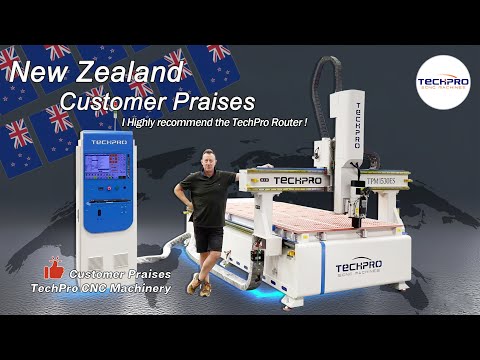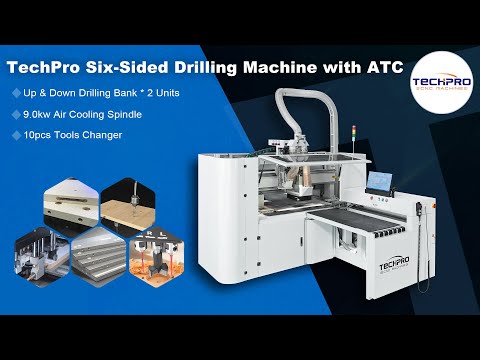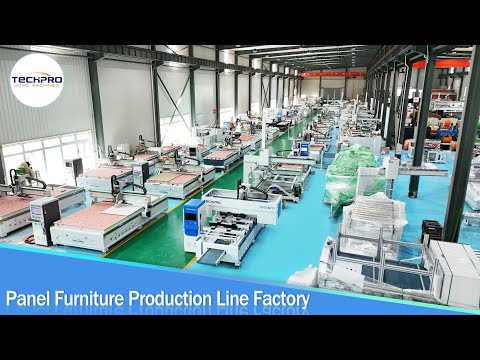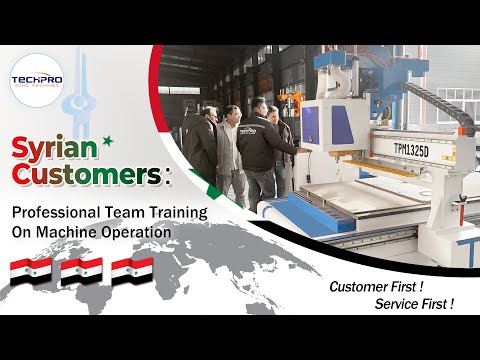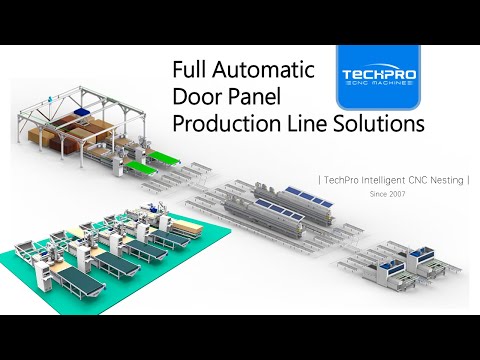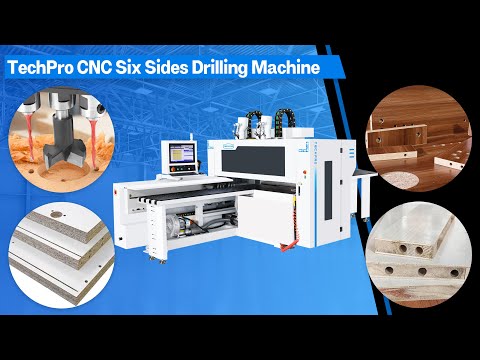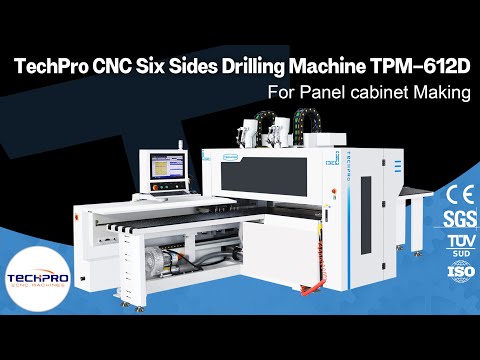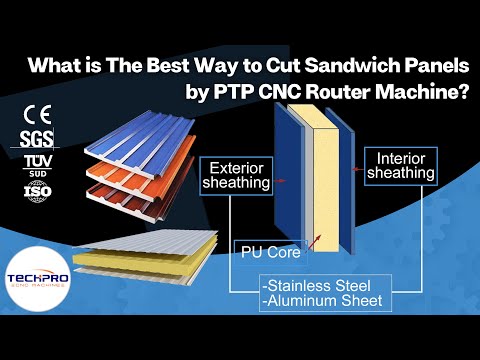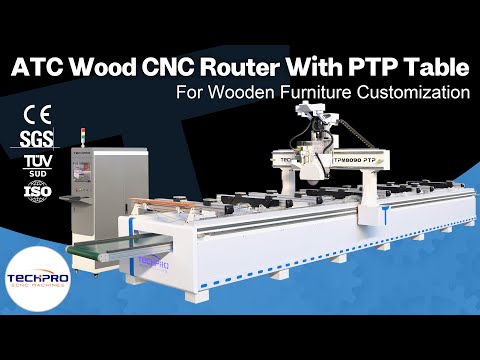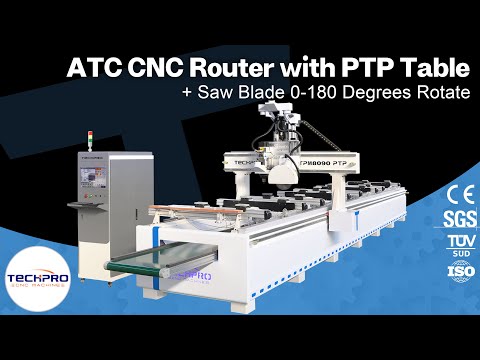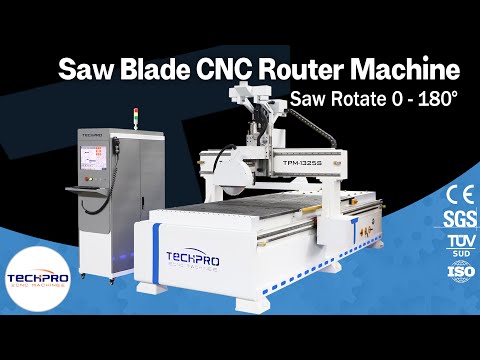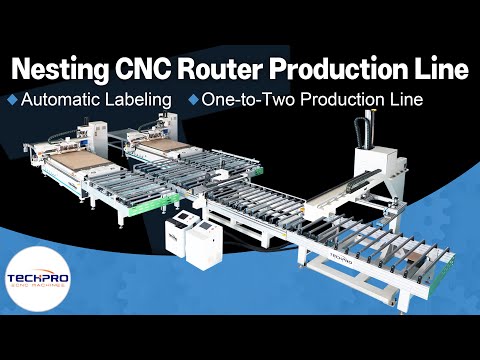



TECHPRO CNC VIDEO CENTER

CNC Machine Videos, Demos & Training

Explore official TechPro CNC videos covering machine overviews, real machining demonstrations, control systems, installation, operator training, maintenance and factory tours. Filter by machine, material or task, then request a video for your exact model.

TECHPRO CNC VIDEO CENTER

EXPLORE CNC MACHINE VIDEOS BY TYPE AND TASK

Browse the complete TechPro CNC Video Center to find available product walkarounds, machining demonstrations, controller guidance, setup references, operator training, maintenance topics and factory footage. Use the primary categories to narrow your search, then review each video title and description for the machine, controller, material or task shown. Video content is supplementary and should be used together with the applicable machine documentation and workplace procedures.

HOW TO USE CNC MACHINE VIDEOS TO PLAN A REAL PRODUCTION PROJECT

Begin With the Part, Material and Daily Output

A useful CNC video search starts with the part you need to make, not with a machine name. Define the material, maximum blank or sheet size, finished dimensions, critical features, surface-quality expectation and realistic daily output. A router cutting cabinet panels, a laser processing sheet metal and a digital cutter trimming flexible materials may all appear fast in a short video, but they solve different production problems. Note whether the job requires drilling, grooving, engraving, beveling, marking, tool changing, automatic loading or a second operation. These details narrow the machine family before you compare models, prices or optional components. Production volume matters as much as the cutting process. A single prototype may tolerate manual positioning and tool changes, while repeated cabinet panels can justify barcode labeling, nesting software, drilling units and automatic material handling. Include available floor space, power, compressed air, extraction, cooling and operator experience.

Read Every Demonstration as a Specific Test Condition

A machining video documents one machine configuration, one material, one toolpath and one set of operating conditions. Record what is actually visible: machine model, work area, spindle or laser power, controller, tool or nozzle, workholding, material thickness, programmed operations and finished result. If any of these details are missing, treat the video as an introduction rather than proof that the same cycle time or finish will transfer to your application. Look beyond rapid movement. Watch how the material is located, how the work zero is established, whether the part remains stable, when tools change, how chips, dust, smoke or offcuts are managed, and whether the finished component is measured. Cycle time should include loading, alignment, tool changes, unloading and any manual rework, not only the period when the spindle or beam is active. A slower, repeatable process with secure workholding can be more valuable than a short highlight filmed under ideal conditions.

Compare the Complete Machine Configuration

Two machines with similar dimensions can behave differently because of their structure and supporting equipment. For routers, compare frame rigidity, gantry design, guideways, drive system, spindle, tool magazine, drilling head, vacuum zones and dust collection. For laser equipment, identify the source, cutting head, chiller, assist-gas arrangement, extraction and height-control system. For digital cutters, check the tool modules, vacuum table, camera or registration options and material-feeding method. The controller and software must also match the required workflow, file format and operator skill level. Confirm which visible components are standard and which are options. A demonstration may show a rotary axis, automatic labeling, loading table, upgraded spindle or branded controller that is not included in the base configuration. Request a written specification with model numbers, voltage, work area, included accessories and supported functions. The video helps you understand the machine; the written configuration defines what will be supplied.

Judge Cutting Quality With Measurable Evidence

Video resolution can hide burrs, chipped edges, tool marks, heat effects and dimensional error. For an important project, ask for close photographs of both faces and edges, measured dimensions, hole position, groove depth or other relevant inspection results. State the tolerance and finish that matter to your customer rather than asking only whether the machine is accurate. The appropriate inspection method depends on the material and process. Feeds and speeds cannot be copied safely from an unrelated clip. Tool geometry, projection, material grade, workholding rigidity, spindle characteristics, cooling or extraction, and depth of cut all affect the result. Autodesk’s machining guidance similarly treats feeds, speeds, workholding and tooling as connected setup variables rather than isolated numbers. Use published demonstrations to identify a possible process, then confirm parameters through a controlled test on your own material or a technically comparable sample.

Match the Video to the Controller and Operator Workflow

The control screen is part of the production system. Check how programs are transferred, how work and tool offsets are set, how alarms are displayed, and whether the interface language and file workflow suit your team. A controller video should identify the exact family and version because menus, licenses, I/O functions and machine-builder settings can vary. If your factory already uses a particular CAD/CAM system, send the software name, version, file type and post-processor information before assuming compatibility. Training videos are valuable for review, but they do not replace supervised instruction, the machine manual or site safety procedures. Build training around the actual configuration delivered to your factory. Operators should learn startup and shutdown, homing, loading, tool or consumable inspection, program selection, safe dry runs, alarm reporting, routine cleaning and the limits of authorized adjustments.

Plan Installation, Support and the Right Video Request

Use setup videos to understand the sequence from unloading to first approved part: positioning, leveling, utilities, extraction, cooling, grounding, controller checks, lubrication, homing and calibration. The final installation plan must follow the exact machine documentation and local electrical and safety requirements. Record doorway dimensions, lifting access, foundation or floor condition, supply voltage, phase, air quality, ambient temperature and network needs before shipment. Maintenance evidence is equally important. Look for accessible filters, lubrication points, toolholders, optics, vacuum components, electrical documentation and component labels. Ask which routine tasks are operator-level and which require qualified technicians. Confirm the process for obtaining manuals, backups, parameter records, spare parts and remote support. A machine that performs well in a demonstration still needs a practical service plan for the years after commissioning. If the listed videos do not show your exact task, send the material specification, dimensions, drawing or 3D file, required operations, tolerance, finish, expected daily quantity and preferred machine or controller. Add photographs of the raw material and current production problem when they clarify the application. For sheet work, include sheet size, thickness and nesting requirements; for rotary or multi-axis parts, include the blank size, finished geometry and areas that require tool access. TechPro can then match an existing product overview, machining demonstration, setup lesson, training video or maintenance guide more accurately. When a new test is justified, the same information helps select the machine, workholding, tooling and safe process conditions. The goal is not simply to collect more videos. It is to build enough technical evidence to choose the right configuration, prepare the factory, train operators and move from a successful sample to repeatable production.

CNC MACHINE VIDEO FAQ

COMMON QUESTIONS ABOUT CNC MACHINE VIDEOS

Find practical answers about choosing CNC machine videos, matching a video to your machine or controller, using demonstrations safely, and requesting help when an exact model or task is not listed.

This page groups product overviews, live machining demonstrations, installation and operation tutorials, maintenance guidance and customer review videos. Use the category and machine filters to narrow the list.

Start with the machine-type filter, then search using the model, controller or task. If the exact model is not listed, send TechPro the model and serial number so we can match the closest applicable video.

Yes. Teaching videos can cover delivery inspection, unloading, positioning, utility connections, first power-on, controller checks and a safe first test. Exact steps can vary by configuration, so confirm the model before following them.

Yes. Machining videos help buyers compare cutting, engraving, turning, milling, welding or edge-banding results on relevant materials. You can also request a demo for your sample, material and expected finish.

Yes. Operator training videos may cover startup, file loading, tool or focus setup, workholding, safety checks, quality inspection, routine maintenance and shutdown procedures.

The library covers CNC routers, CNC lathes, CNC metal milling machines, fiber laser cutters, laser markers, laser welders, edge banders, digital cutters, plasma cutters, CO2 lasers and other customized machines.

Yes. Send the machine model, controller, serial number and the exact step or problem you want to see. TechPro can recommend an existing video or prepare model-specific guidance when available.

The serial number and controller model identify the exact electrical, software and mechanical configuration. That helps TechPro avoid sending instructions for a different version and improves safety and accuracy.

No. Videos are a visual supplement to the official machine manual, wiring information, safety instructions and technician guidance. Always follow the documentation supplied for your exact machine.

Yes. For a specific alarm, setup or operating problem, TechPro may provide a private case-specific video or remote-support instruction after confirming the machine details and the safe troubleshooting scope.

GET PERSONAL CNC GUIDANCE

NEED HELP FINDING THE RIGHT CNC VIDEO OR MACHINE?

Tell us your machine model, controller, material and application. A TechPro CNC specialist will help you find the most relevant video, setup guidance or CNC solution.

Scroll to Top

Get CNC Machine Quote!

For any inquiries, don't hesitate to contact us at: