
The Essential CNC Router Maintenance Checklist
A practical daily, weekly and monthly routine for protecting accuracy, spindle life and production uptime.
Read articleTECHPRO CUSTOMER CARE
From installation to daily production, our CNC machine support team helps you keep every TechPro CNC router, laser machine and digital cutting system accurate, productive and ready for the next job.
SUPPORT RESOURCES
Find CNC machine support documents, controller software, setup guidance, troubleshooting help and direct service assistance throughout the life of your machine.
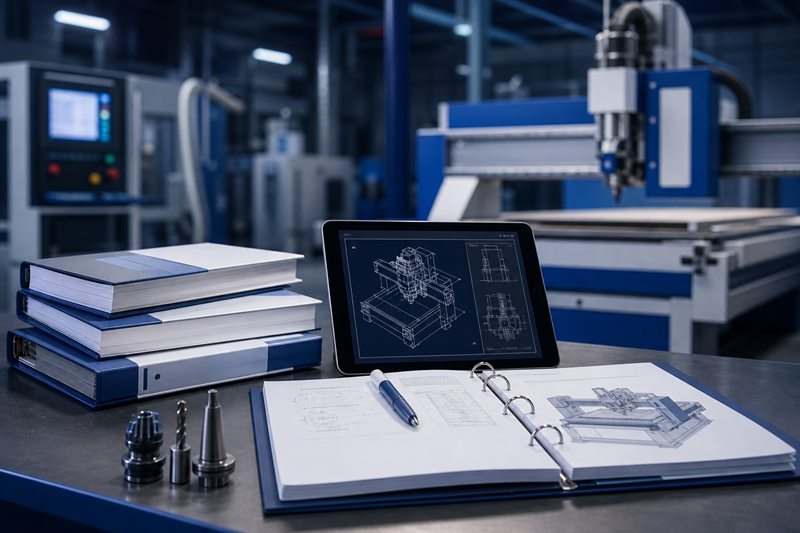 Download CenterManuals, catalogs & files
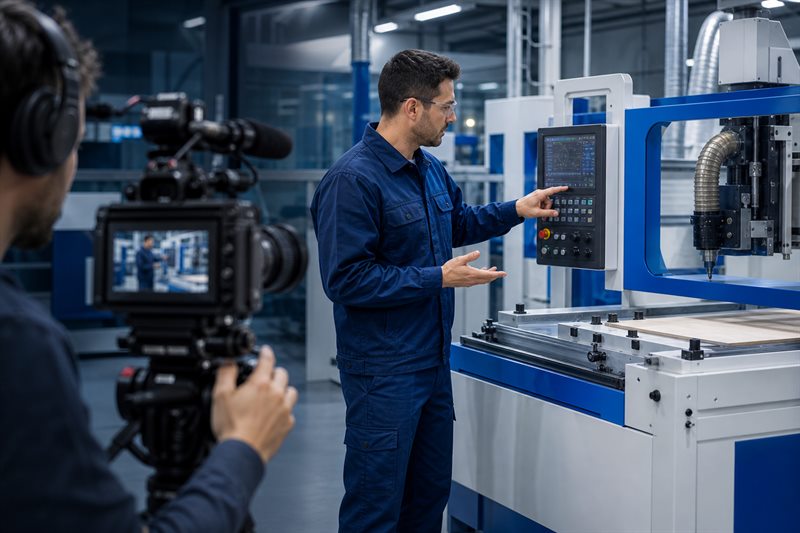 Video TutorialsWatch step-by-step guides
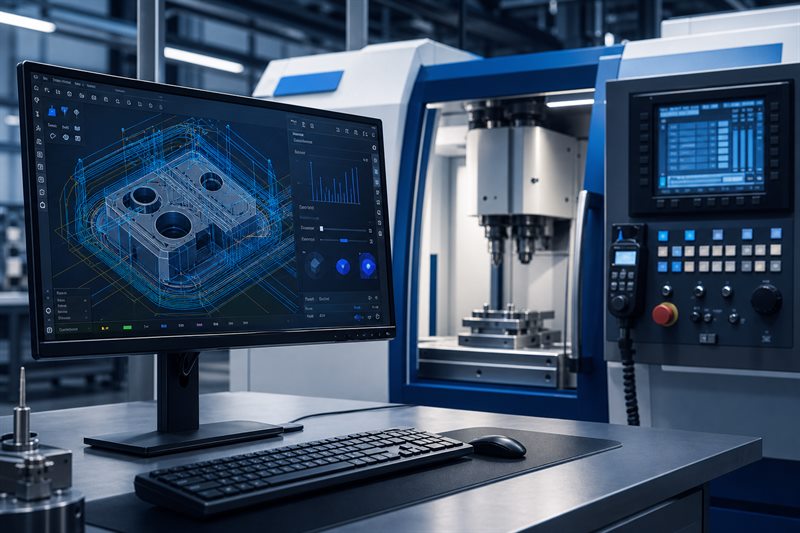 Software DownloadsDrivers, tools & updates
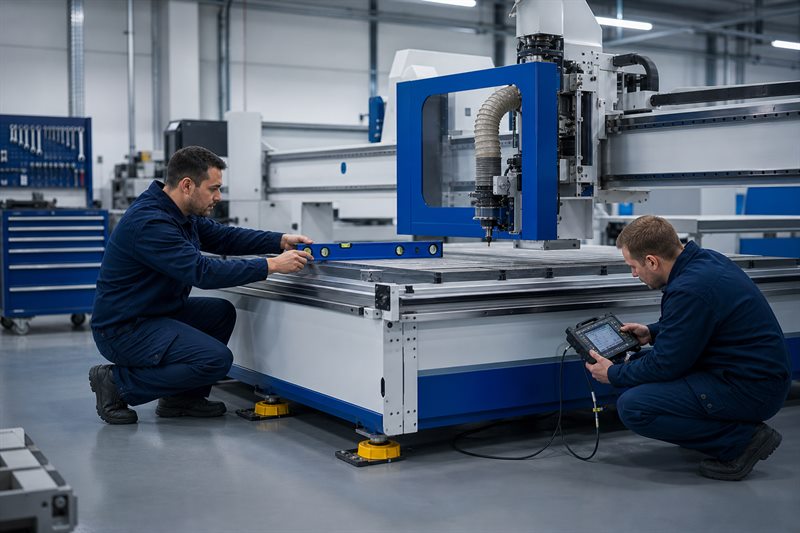 Installation GuidesSetup and commissioning
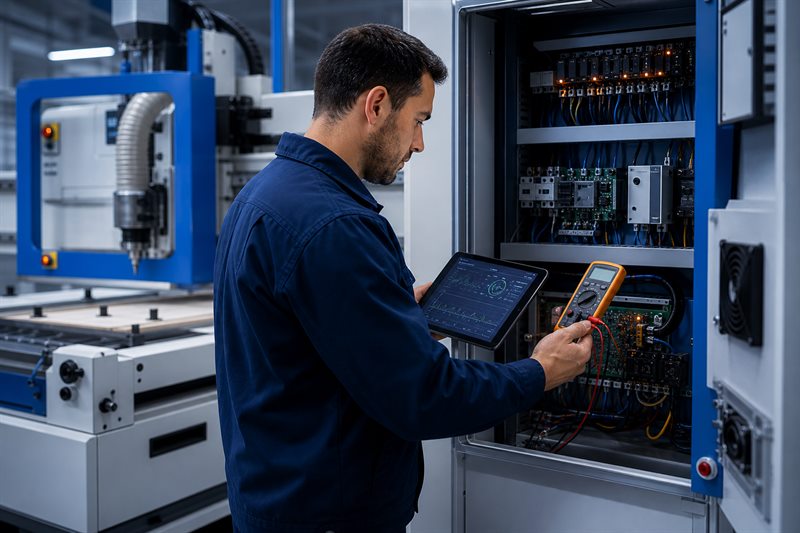 TroubleshootingDiagnose common issues
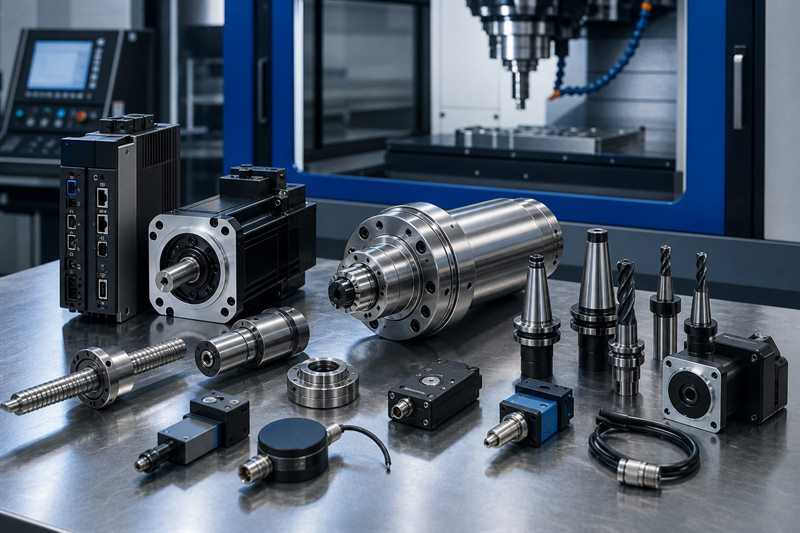 Spare PartsGenuine replacement parts
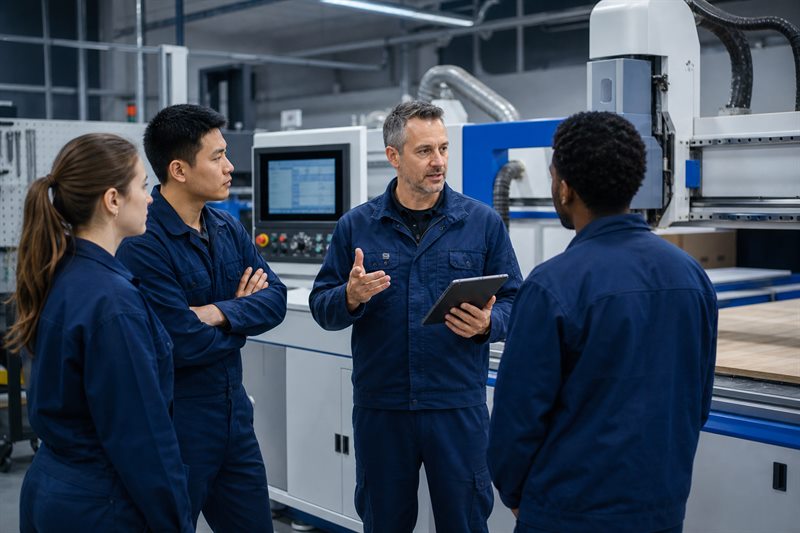 Training CenterBuild operator confidence
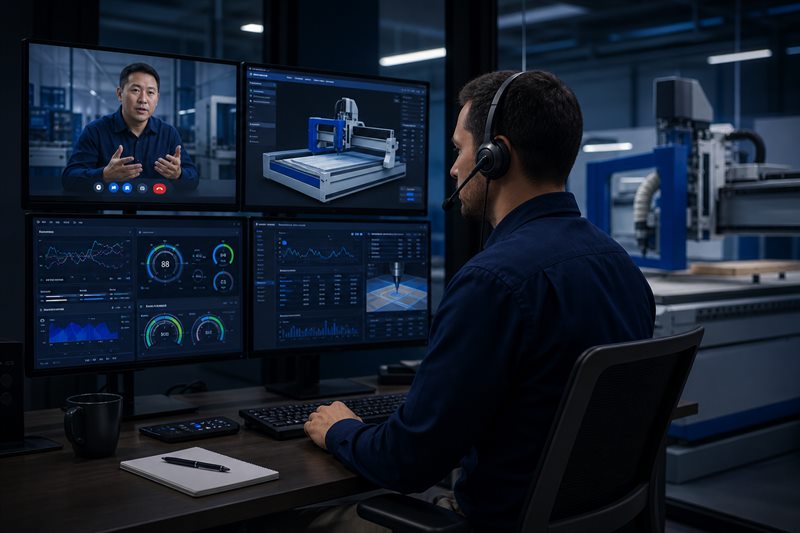 Remote SupportConnect with an engineer
 WarrantyCoverage and service terms
 FAQAnswers to common questions
 Support PolicyService rules and policies
 Submit a TicketTell our service team
SUPPORT BY MACHINE TYPE
Choose your equipment category to find focused CNC manuals, controller software notes, installation guidance, preventive maintenance advice and troubleshooting resources.
 CR
CNC RouterExplore support
CR
CNC RouterExplore support
 DM
Door Making MachineExplore support
DM
Door Making MachineExplore support
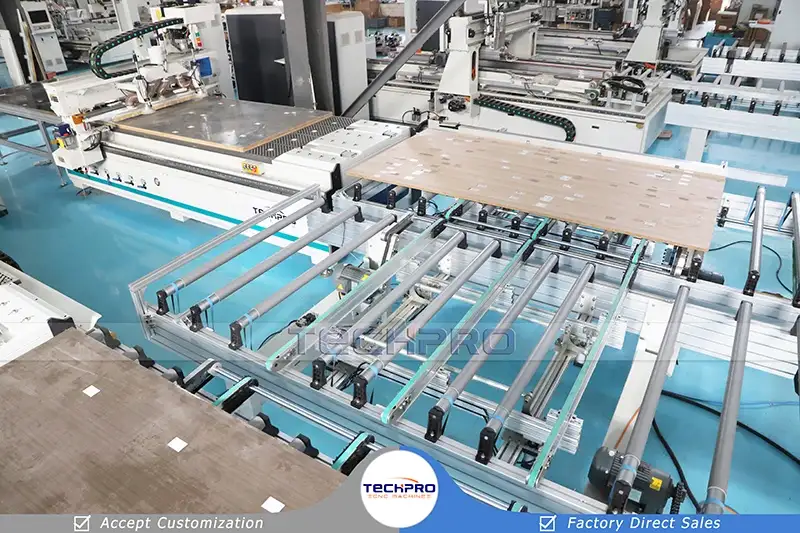 FM
Furniture CNC MachineExplore support
FM
Furniture CNC MachineExplore support
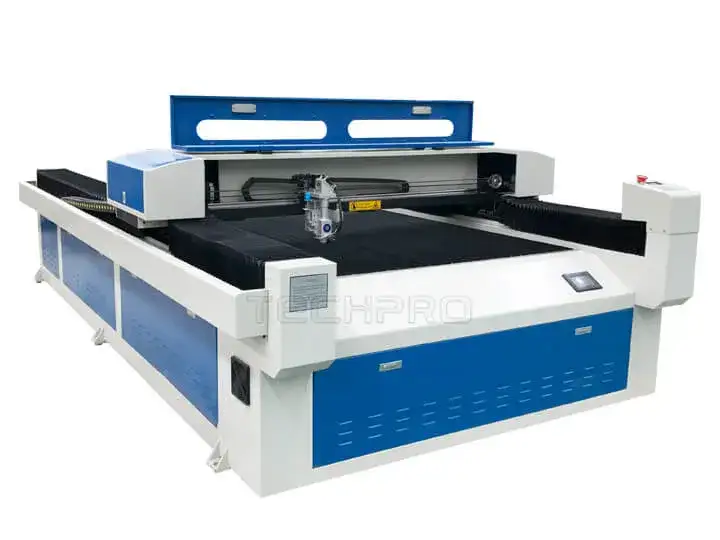 LC
Laser CuttingExplore support
LC
Laser CuttingExplore support
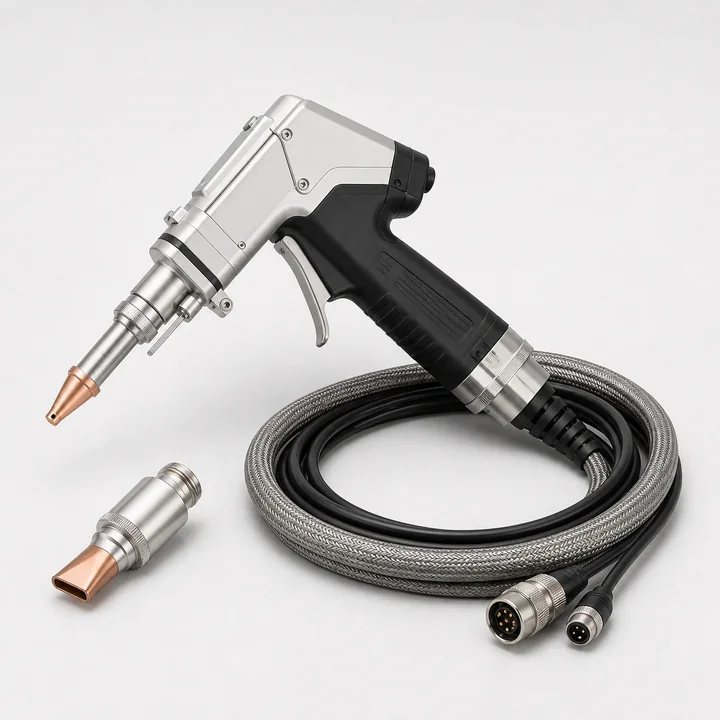 LW
Laser WeldingExplore support
LCL
Laser CleaningExplore support
LW
Laser WeldingExplore support
LCL
Laser CleaningExplore support
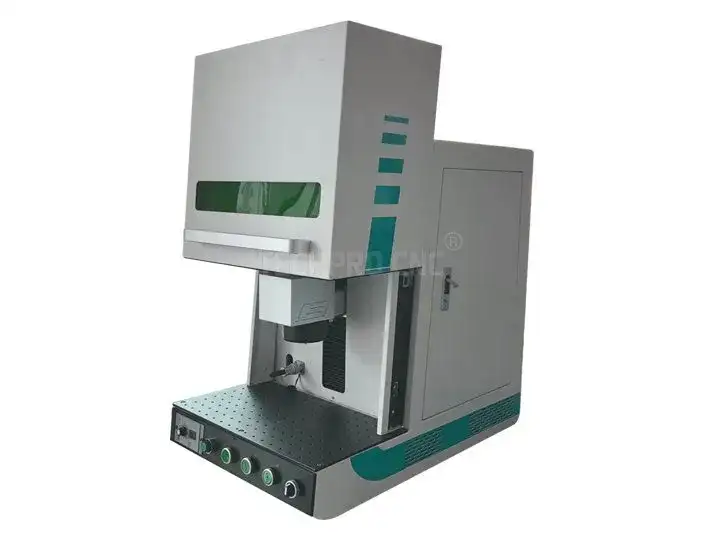 LM
Laser MarkingExplore support
LM
Laser MarkingExplore support
 SR
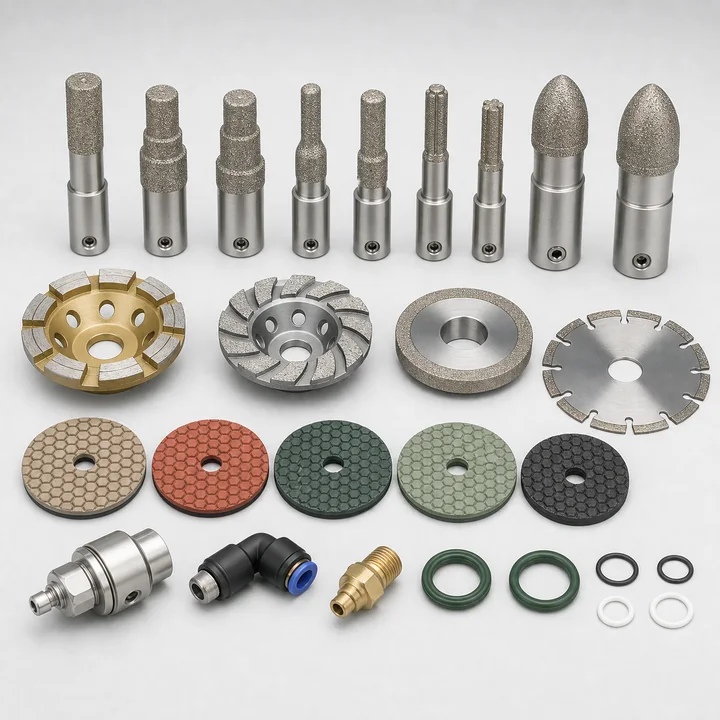
Stone CNC RouterExplore support
SR
Stone CNC RouterExplore support
 KC
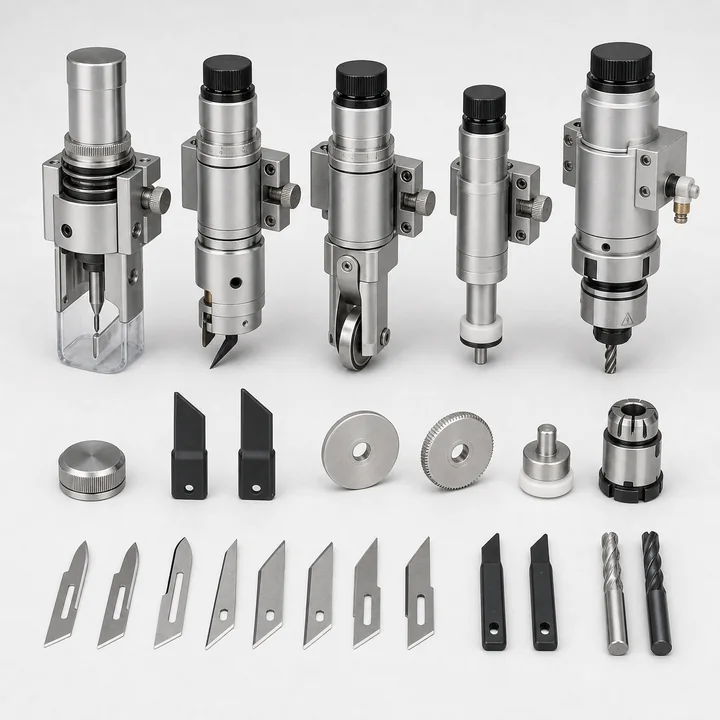
Knife CutterExplore support
GC
Glass CutterExplore support
KC
Knife CutterExplore support
GC
Glass CutterExplore support
 CB
Channel Letter BenderExplore support
PT
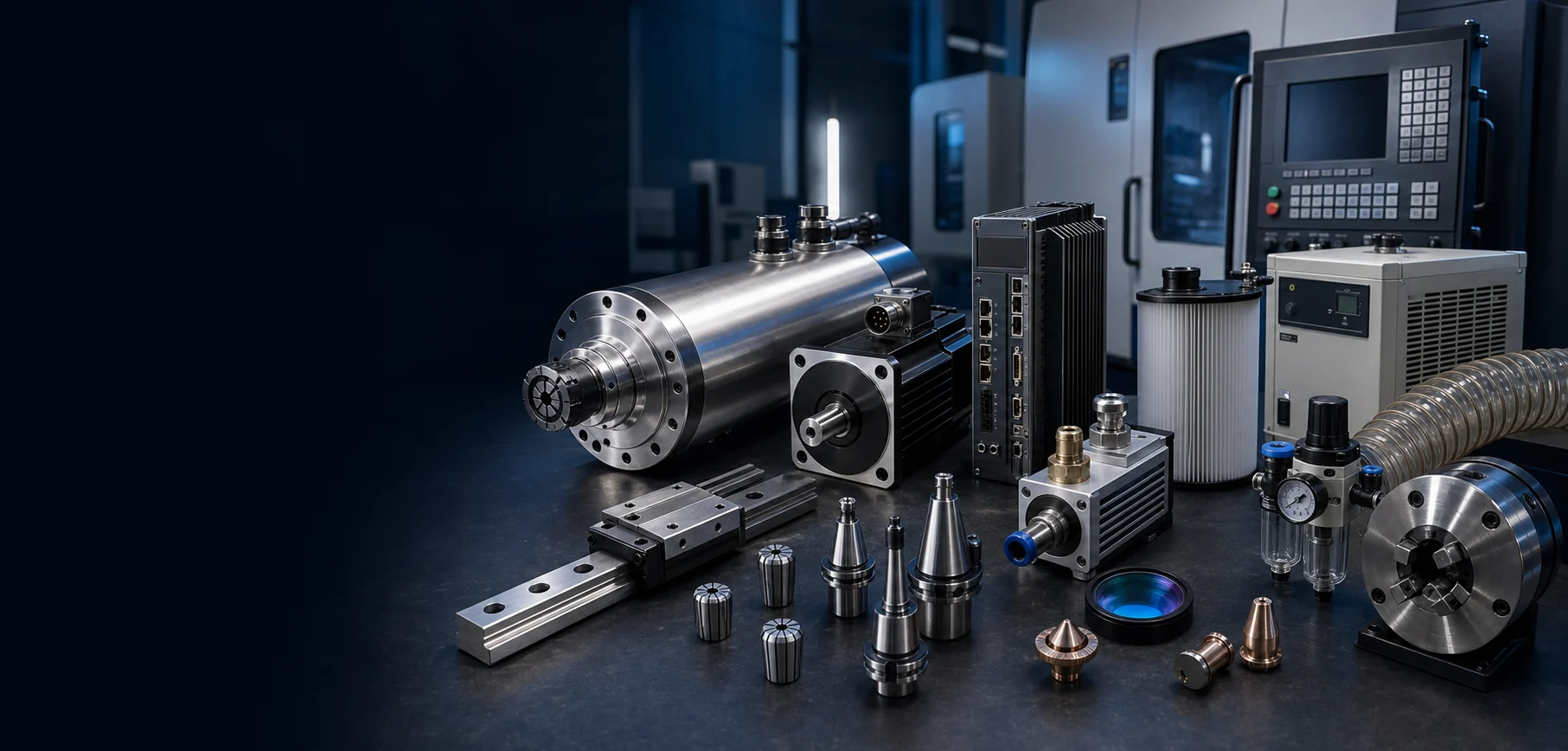
CNC Machine PartsExplore support
CB
Channel Letter BenderExplore support
PT
CNC Machine PartsExplore support
Fast ResponseClear next steps from trained technicians.
Remote DiagnosisSecure online assistance when you need it.
Global DeliveryReliable spare-parts supply worldwide.
Lifecycle CareSupport from installation to production.
KNOWLEDGE BASE
A practical daily, weekly and monthly routine for protecting accuracy, spindle life and production uptime.
Read articleLearn which photos, controller screens, machine details and recent changes help engineers diagnose an issue.
Read articleBack up parameters, confirm hardware compatibility and reduce risk before installing a software update.
Read articleConfirm power, grounding, compressed air, workshop access and floor requirements before your machine arrives.
Read articleUnderstand protective windows, nozzle centering, assist gas and cleaning routines for stable laser processing.
Read articleBuild a safer, more confident team with a practical learning path from startup checks to production recovery.
Read articleWATCH & LEARN
A CNC machine is not only a piece of equipment. It is part of a complete production system that includes electrical power, compressed air, tooling, controller software, machine parameters, operators, maintenance routines and material processes. When any part of that system is unclear or unstable, production quality and efficiency can be affected. The TechPro CNC Support Center brings essential CNC machine support resources together in one place so owners, operators, maintenance teams and distributors can find the right information more quickly.
This page is designed as a practical CNC support center, not only a contact page. Customers can use it to find CNC router support, laser machine support, controller software downloads, machine manuals, installation guidance, operation training, preventive maintenance instructions, troubleshooting guides, spare parts support, warranty information and remote technical service. The goal is to help users understand what resource they need before they contact an engineer.
Our support structure is organized around the way customers actually use industrial equipment. You can begin with a machine category, search by a specific problem, open an English manual, watch an operating video, download compatible software or contact a service engineer. This approach helps new users learn the equipment while giving experienced technicians a direct path to detailed information. It also reduces the risk of using instructions for the wrong controller, machine configuration or production process.
A clear CNC machine support process helps customers move from a problem to a practical solution without wasting production time. TechPro CNC machine support starts by identifying the exact equipment, controller, software version and working condition, then matching the request with the right manual, guide, video, spare part or remote service option. This makes CNC machine support easier for new buyers, daily operators, maintenance teams and distributors who manage several machines at the same time.
Most customers visit this page because they need clear service information that is connected to real production problems, not generic contact details. The topics below cover the requests that most often affect uptime, cutting quality, software use and spare parts planning.
TechPro CNC organizes support by machine type so customers do not have to read unrelated instructions. The support guide below follows the same order as the machine category cards, making it easier for buyers, operators and maintenance engineers to understand which manuals, software notes, troubleshooting guides, spare parts and service resources apply to their equipment.
Good technical support begins before the machine arrives. At this stage, CNC machine support focuses on workshop preparation, safe unloading, site conditions and the resources needed for smooth commissioning. Proper preparation can shorten commissioning time and prevent avoidable delays. Installation requirements may include the correct voltage and frequency, stable grounding, suitable circuit protection, clean compressed air, industrial water cooling, extraction equipment, a level concrete floor and enough space for loading materials and performing maintenance. The exact requirements depend on the machine model and configuration.
Before delivery, customers should confirm the final machine layout, power supply, workshop access, unloading method and environmental conditions. Large CNC routers and furniture production lines may need a forklift, crane or professional rigging plan. Fiber laser cutting machines require suitable assist gas, ventilation and safety arrangements. Laser welding and cleaning systems require operator protection and a controlled work area. By checking these items in advance, the installation team can focus on assembly, calibration and production testing instead of waiting for site changes.
TechPro installation guides are designed to separate general preparation from model-specific steps. Customers can review a site checklist, identify required tools and confirm that the working environment is ready. For customized machines, the project documents should always take priority because electrical, pneumatic or mechanical requirements may differ from standard models.
Operator training should explain more than which button starts the machine. In this stage, CNC machine support turns technical procedures into repeatable operator habits. A reliable operator understands the complete working sequence: inspecting the equipment, powering on auxiliary systems, returning axes to the machine origin, loading a program, checking coordinates, selecting tools or process parameters, performing a dry run, starting production and shutting the equipment down correctly.
For CNC routers, training may include CAD/CAM workflow, G-code transfer, workpiece positioning, tool length measurement, vacuum hold-down, spindle warm-up and tool selection. Furniture CNC machines add nesting software, automatic labeling, drilling, tool changing and production-line coordination. Door making machines require careful control of toolpaths, profiles, material thickness and machining order. Stone routers also require water management, suitable diamond tools and attention to heavy material handling.
Laser equipment requires process-specific knowledge. Fiber laser cutting operators need to understand focus position, nozzle condition, lens cleanliness, assist gas pressure, cutting speed, power and material response. Laser welding operators must control focal distance, welding speed, wire feed and joint preparation. Laser cleaning users should select suitable scanning width, frequency, power and movement speed while protecting nearby surfaces. Laser marking operators need correct focus, hatch settings, marking speed and material tests. Training content should therefore be filtered by equipment type instead of presented as one generic course.
The Training Center combines structured lessons, operating checklists and video demonstrations. New operators can follow a basic learning path, while experienced users can open advanced topics such as parameter optimization, tooling strategy, nesting efficiency, controller functions and preventive maintenance. Distributors and factory supervisors can also use the materials to create internal training standards for multiple operators.
Industrial machines often include components from several specialist manufacturers. Good CNC machine support keeps technical files organized by machine model, serial number and controller type. A complete documentation package may contain the machine manual, electrical drawing, controller manual, inverter manual, servo drive manual, chiller instructions, laser source documentation, software guide and maintenance schedule. Keeping these files organized by machine model and serial number makes future troubleshooting much easier.
The Download Center is intended for official TechPro machine documents, catalogs, drawings, checklists and reference files. The Software Downloads area is separated because software requires additional information such as version, operating system, controller compatibility and installation instructions. Customers should avoid installing an unknown driver or changing controller software without confirming compatibility. A newer file is not automatically correct for every machine.
When requesting a missing file, provide the machine model, serial number, controller name, computer operating system and a photo of the relevant nameplate or screen. This information helps the support team identify the correct version. For safety and data integrity, important controller parameters and production files should be backed up before software changes, system restoration or hardware replacement.
Effective troubleshooting begins with clear evidence. For troubleshooting, CNC machine support should start with facts rather than guesses. A useful support request describes what the machine was doing before the problem appeared, the exact alarm message, whether the fault is constant or intermittent, which checks have already been completed and whether any part, cable, parameter or software was changed recently. Photos and short videos can reveal information that is difficult to explain in writing.
Many CNC router problems fall into common groups: the machine does not power on, an axis will not return home, a servo drive shows an alarm, the spindle does not rotate, the automatic tool changer fails, the vacuum table does not hold material, the cutting size is inaccurate or the machined surface quality is poor. Each symptom can have electrical, mechanical, software or process causes. A structured guide helps users check simple and safe items first before moving to advanced diagnosis.
Laser machine troubleshooting also requires a systematic approach. Poor cutting may be related to focus, lens contamination, nozzle centering, gas quality, material condition or parameters. A laser source alarm may involve cooling, communication, power or internal protection. Weak welding can result from incorrect focus, travel speed, wire feed, shielding gas or joint preparation. Marking quality may change because of focus height, scan settings, lens selection or material coating. The Troubleshooting Center organizes these topics by machine and symptom so users can avoid unrelated advice.
Safety must remain the first priority. Users should disconnect and isolate power before opening electrical cabinets or touching wiring, and should follow lockout procedures required by their workplace. Laser optics, high-voltage systems, pressurized gas, heavy moving assemblies and rotating tools require appropriate training. If a check exceeds the operator's authorization or experience, stop and contact a qualified technician.
Remote CNC machine support can shorten diagnosis when a problem involves software, controller settings, communication, file transfer or machine parameters. After the customer submits the machine information, a TechPro engineer can arrange a session using an approved remote connection tool. The customer remains present at the machine and can end the session at any time.
Before the appointment, prepare a stable internet connection, the control computer, photos or videos of the problem and any alarm history. If physical testing is required, an authorized person should remain near the emergency stop and follow the engineer's instructions. Remote access should never replace required mechanical or electrical safety procedures. It is one part of a controlled diagnosis process.
Remote support is especially useful for software installation, controller backup, parameter review, post-processor checks, communication settings and guided test runs. When the issue is mechanical or component-related, the session may still help confirm which part needs inspection or replacement.
Correct spare parts protect machine compatibility and reduce downtime. CNC machine support also includes part identification, replacement planning and maintenance records. A request should include the machine serial number, part name, quantity, clear photos, label information and the location of the component. Similar-looking motors, drives, sensors, lenses, nozzles and controller boards may have different ratings or interfaces. Confirming the exact part before shipment is more efficient than ordering only by appearance.
Preventive maintenance is equally important. Daily checks may include cleaning the work area, inspecting lubrication, checking air and water systems, cleaning protective lenses, examining tools and confirming that safety devices function normally. Weekly and monthly tasks may include filter cleaning, fastener inspection, rack and guide maintenance, coolant checks, electrical cabinet cleaning and backup of controller data. Maintenance frequency should reflect working hours, dust, material type, temperature and production load.
A maintenance record helps teams identify repeated faults and plan consumables before they become urgent. It also gives support engineers better information when evaluating a problem. The TechPro Support Center connects maintenance articles, videos and spare parts resources so customers can move from prevention to replacement without searching through unrelated pages.
CNC equipment is used in different countries, industries and production environments, so global CNC machine support must be clear enough to cross language and time-zone differences. Model names alone are not always sufficient because one machine family can include several controller brands, voltage standards, spindle types, laser sources or customized functions. Photos of the full machine, identification plate, control screen and affected component help the support team confirm the actual configuration before giving instructions.
For international customers, it is useful to keep a digital machine record containing the sales contract, packing list, electrical drawings, parameter backup, software versions, maintenance history and previous service tickets. Store these files with a consistent machine name and serial number. When an operator changes or a machine is moved to another factory, the technical record allows the new team to understand the equipment without rebuilding its history from the beginning.
Distributors and local service partners need an additional level of organization. They may support many TechPro machines across a region and need quick access to standard installation checklists, commissioning forms, parts identification methods and escalation procedures. A distributor should first collect complete evidence from the end user, complete safe local checks and then submit one organized case to the factory. This avoids fragmented messages from several people and gives the TechPro engineer a reliable timeline of the problem.
The same principle applies when support is provided through messaging applications, email or video calls. Each case should retain one machine identity, one problem summary and one record of actions already completed. If a parameter is changed, record the original value and the new value. If a component is replaced, record its label and installation date. If a test solves the issue, document the result so the solution can be reused when a similar symptom appears.
Technical content should also be easy to understand on mobile devices because many operators open instructions while standing beside the machine. Short steps, clear headings, searchable alarm codes and downloadable files are more useful than one large document with no navigation. This Support Center is therefore designed as a central index that connects machine categories with focused manuals, videos, articles and direct service options.
The Warranty Policy explains standard coverage, time periods, customer responsibilities, exclusions and the claim process. A complete ticket keeps CNC machine support traceable from the first question to the final solution. The Service Policy describes how technical requests are reviewed, what information is needed and which services may require additional arrangements. These pages should be read together with the sales contract and final machine configuration because customized projects may include specific terms.
A complete support ticket is the best way to create a clear technical record. Include contact information, machine model, serial number, controller, problem description, alarm code, photos, videos and production impact. Avoid sending only a message such as "machine not working." More precise information allows the engineer to prepare the right questions and reduces repeated communication.
TechPro CNC aims to make support practical, organized and connected to the real machine. Whether you are installing new equipment, training an operator, downloading software, solving an alarm, planning maintenance or requesting a spare part, begin with the correct machine information and use the relevant support center. Clear documentation and disciplined technical communication help protect uptime, processing quality and the long-term value of your CNC equipment.
NEED PERSONAL ASSISTANCE?
Send your machine model, serial number, alarm details, photos and video. Our service team will help you identify the next step.