
Artcam

G-Code_Applications_in_CNC_Machining TechPro CNC
Artcam, TechPro News

How to Generate 2D Design G-Code in ArtCAM: for CNC Beginners

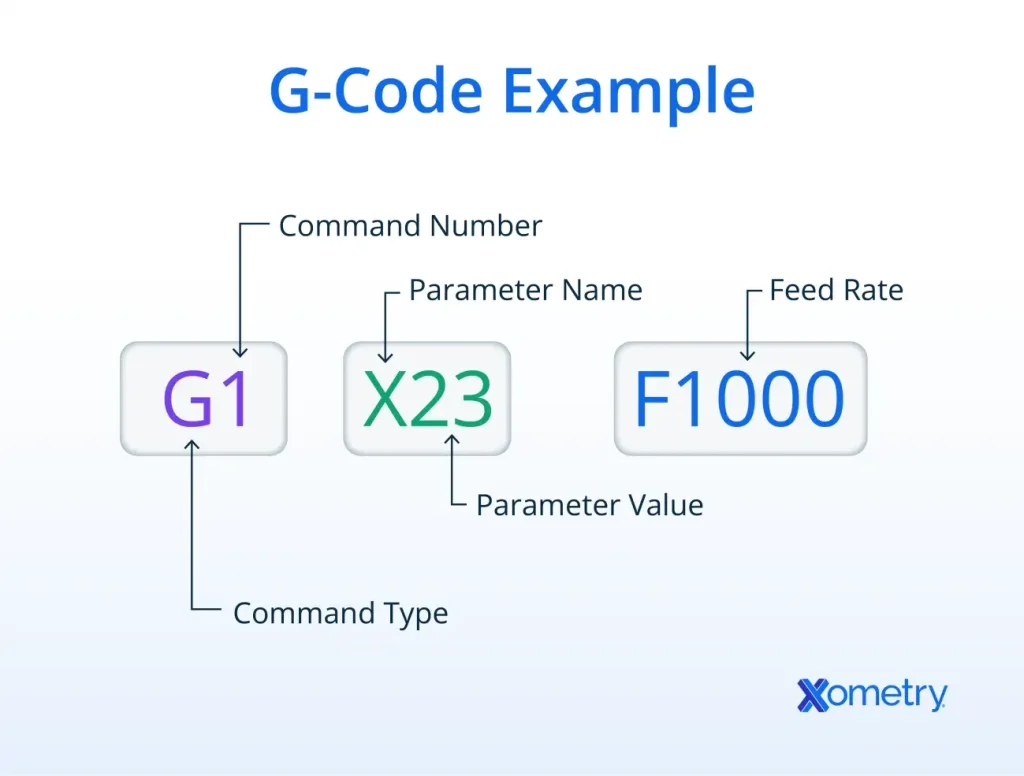
If you work with CNC machining, you know G-code is the universal language that turns your 2D designs into precise, automated cuts. For users of ArtCAM (a leading CAD/CAM software for woodworking, routing, and engraving), generating clean, error-free G-code is the key to getting consistent, high-quality results from your CNC router.
Whether you’re a hobbyist making custom signs or a professional fabricating cabinet parts, this guide will walk you through the entire process of turning a 2D design into ready-to-run G-code in ArtCAM, with simple steps, pro tips, and common mistakes to avoid.
G-code_in_CNC_machine_tools TechPro CNC
Artcam, CNC Programming Instruction, TechPro News

How to Install Artcam : Full Step-by-Step Guide for Beginners

If you’re a CNC woodworker, hobbyist, or small manufacturer looking to master 2D/3D design and G-code generation, Autodesk Artcam remains one of the most trusted tools in the industry. Whether you’re new to CNC programming or upgrading to the 2026 version, a smooth installation is the first step to unlocking Artcam’s full potential for your TechPro CNC router projects. In this complete guide, we’ll walk you through every step of installing Artcam 2026, from system requirements to post-install setup, with pro tips to avoid common mistakes.

滚动至顶部